Lock the facts
Identify the exact SKU or variant, inspect reference photos, and map each headline or callout to a source. Uncertain claims stay out.
Turn exact product facts and photos into a planned set of secondary listing images. One reusable Codex workflow for the story, the artwork, and the checks before you upload.
For Codex desktop. Your own image generation access is required. No Amazon upload is performed.
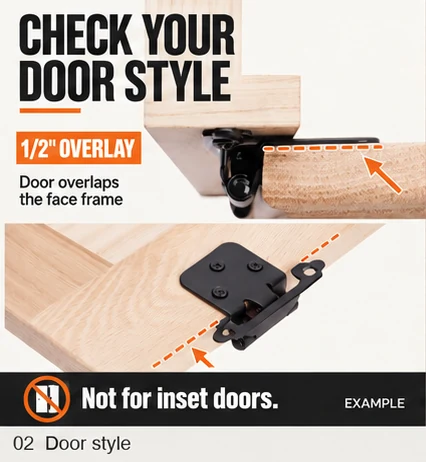
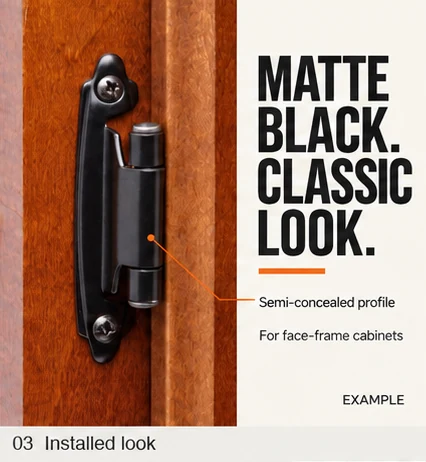
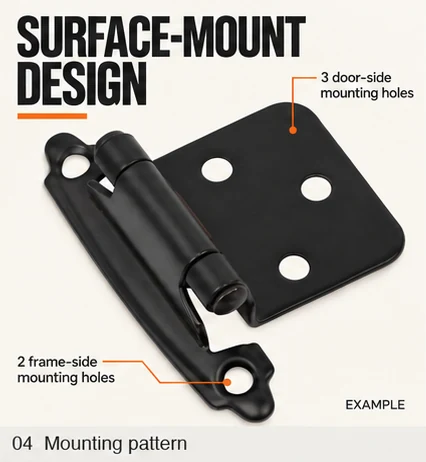
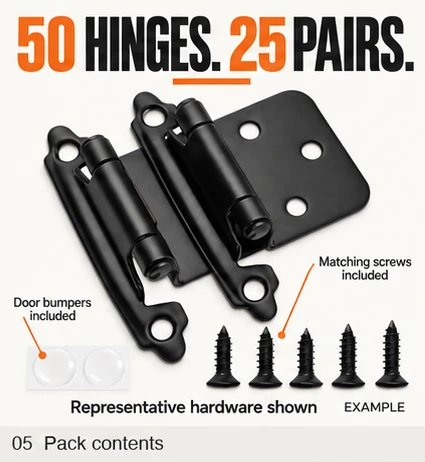


A useful listing stack answers different buying questions in a deliberate order. This skill builds that plan from what your exact product can actually support.
Identify the exact SKU or variant, inspect reference photos, and map each headline or callout to a source. Uncertain claims stay out.
Plan benefits, use, fit, contents, and distinct lifestyle scenes around the product. An exact image count can override the default.
Review the artwork at full size and mobile scale. The included Python checker verifies the exported PNGs, count, order, and duplicates.
Supply an ASIN or URL, clear product and packaging photos, and any verified claims.
See the proposed slot roles, headlines, visual subjects, and supporting sources.
Codex generates distinct content-led images and repairs specific failures.
Receive numbered images, a contact sheet, a suggested upload order, and QA notes.
The ZIP is a complete Codex skill folder. It includes the instructions, reference standards, and file checker that run together.
A reusable skill for each product you choose to work on. After purchase, the ZIP is emailed to the address used at Stripe checkout.
It is a reusable Codex skill that guides image planning, generation, and QA with your product inputs and your own Codex image generation access. Output quality depends on the source photos and facts you provide, and every result still needs review.
No. It is for secondary listing images. Main-image rules and production are separate.
You need Python 3.9 or newer for the automated file check. The included guide has copy-and-paste commands, and the setup wrapper installs Pillow into a private environment. Codex can run that setup for you.
No. It delivers files and a suggested order. You decide what to approve and upload, after checking the current requirements for your category and marketplace.